
11/15/2023

Lenovo Yoga 7 16irl8 Battery and SSD Replacement

[vc_video link=”https://youtu.be/RX7zVQ4yCHs” title=”Lenovo Yoga 7 16irl8 Battery and SSD Replacement”]

Exploring the Lenovo Yoga 7 (16IRL8): A Teardown Review

Hi everyone, Simon here. In today’s video, I’m excited to delve into the inner workings of the brand new Lenovo Yoga 7, model 16IRL8. This teardown is aimed at uncovering what upgrade options are available for this model and understanding its internal layout. Let’s jump right in!

Disassembly Process

  1. Removing the Screws: Using a Torx T5 screwdriver, I started by removing three screws on the top and four at the bottom. It’s worth noting that the bottom screws are shorter than the top ones.
  2. Opening the Back Cover: After the screws were out, I used a metal prying tool to gently lift the cover, followed by a plastic prying tool to prevent scratching the metal or plastic. The cover is held in place by clips along the sides.

Inside the Lenovo Yoga 7

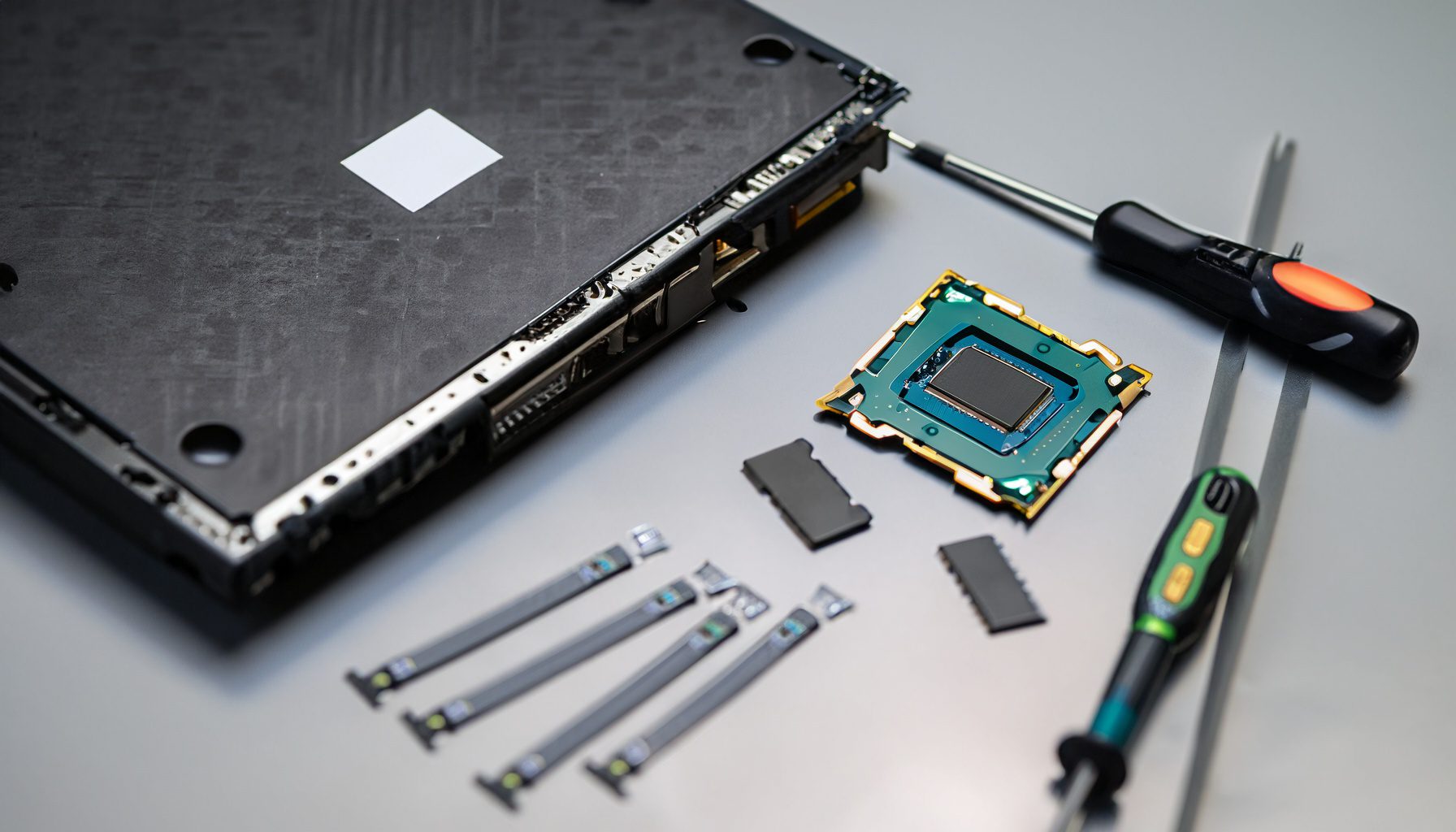
Upon opening the back cover, here’s what I found:

  • Battery: The battery is prominently placed and easy to disconnect and remove. It’s held in place by three screws. The model number for the battery is L22M4PA1.
  • Motherboard Layout: The motherboard is quite compact with a large CPU fan directly attached to it.
  • RAM: Unfortunately, the RAM is not upgradeable. It’s covered by a small aluminum sheet and appears to be soldered onto the motherboard.
  • Keyboard: Another downside is the non-replaceable keyboard. It’s built into the palm rest assembly and would require replacing the entire palm rest if damaged.
  • M.2 SSD Drive: On a positive note, the laptop has an upgradeable M.2 SSD drive, which is shorter than a full-size hard drive. This is the only component that seems easily upgradeable.
  • CPU and Fan: The CPU is integrated into the motherboard, and the large CPU fan suggests good thermal management.

Reassembly

Putting the laptop back together was straightforward. I started by reconnecting the battery and then carefully aligning and snapping the back cover into place. Finally, I replaced all the screws in their respective places.

Conclusion

The Lenovo Yoga 7 is a sleek and modern laptop, but it does have some limitations in terms of upgradeability. The RAM and CPU are not user-upgradable, and the same goes for the keyboard. The only component you can upgrade is the M.2 SSD drive.

This model seems to follow a trend where manufacturers limit the upgradeability of their devices, possibly to encourage consumers to opt for new purchases instead of upgrades.

Final Thoughts

If you’re considering the Lenovo Yoga 7, keep in mind that what you buy is mostly what you’re stuck with, except for storage upgrades. It’s a great laptop for those who don’t foresee the need for future upgrades.

Thanks for joining me on this teardown journey. If you found this video helpful, please give it a thumbs up and consider subscribing for more tech insights. Until next time, happy computing!

Legal Disclosure:

UberGeeks video(s) or information provided on this website does not, and is not intended to, constitute legal advice, constitute IT professional advise, information technology expert, or tech related material; instead, all information and content available on this are for entertainment purposes only. No information contained in this video shall create any express or implied warranty or guarantee of any particular result.

UberGeeks shall not be held liable for any damages, losses, injuries, loss of data, or harm arising from the use of information or techniques presented in our video(s) or information provided on this website. By accessing and using our content, you agree to release us from any liability.

Participation in any activities or experiments presented in our video(s) is entirely voluntary. If you choose to replicate any actions or experiments, exercise caution, and prioritize your safety and the safety of your equipment.

Thank you for joining us on this IT journey. We hope you find our video(s) enjoyable. Remember, your participation in this channel is at your own discretion, and we encourage you to use the information responsibly and safely.

Transparency Note:

This article was collaboratively written with the assistance of ChatGPT, an AI language model developed by OpenAI. While the content was generated with AI assistance, it was reviewed and edited by our human editorial team to ensure accuracy and quality. As part of our efforts to enhance the user experience, we utilize artificial intelligence (AI) technologies to generate images and visual content on this website. Adobe Firefly AI-generated images may include graphics, illustrations, and other visual elements.


Related Articles









