
05/05/2022

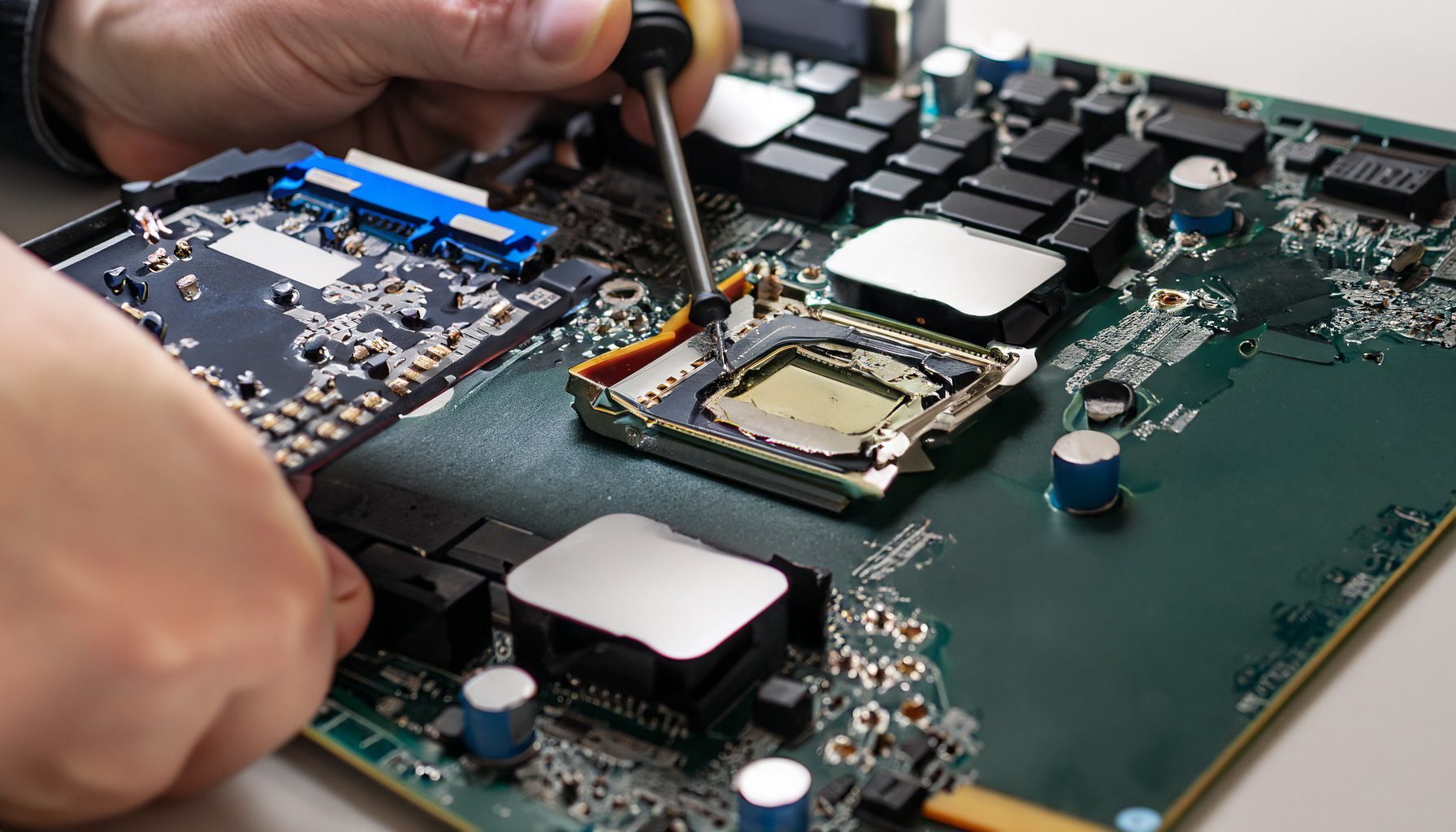
MSI GF75 MS 17F4 Teardown Upgrade Disassemble

[vc_video link=”https://www.youtube.com/watch?v=pLEZVslN9sE” title=”MSI GF75 MS 17F4 Teardown Upgrade Disassemble”]

Title: MSI GF75 Thin 10SCXR (MS-17F4) Laptop Component Upgrade/Replacement Guide

  1. Preparation:
    • Model Verification: Simon shows the laptop model to ensure viewers have the correct device for the guide.
    • Tools Required: A Phillips screwdriver (manual or electric) is needed.
  2. Opening the Laptop:
    • Removing Screws: Simon removes all screws from the back of the laptop, including breaking the factory seal to access one screw.
    • Prying Open the Back Cover: Using a metal prying tool followed by a plastic tool, he carefully separates the back cover from the laptop.
  3. Internal Overview:
    • Simon gives a tour of the laptop’s internal components, including the CPU, GPU, fans, RAM slots, M.2 drive, secondary hard drive, battery, Wi-Fi card, and CMOS battery.
  4. Component Removal and Upgrade Steps:
    • Battery Removal: The battery is disconnected and removed. It’s attached with double-sided tape rather than screws.
    • RAM Upgrade: The laptop has two RAM slots currently filled with 8GB DDR4 sticks each. Simon explains how to upgrade up to 32GB (16GB per slot).
    • M.2 Drive Upgrade: He demonstrates how to remove the M.2 drive, which is held in place by thermal pads.
    • Secondary Hard Drive Replacement: Simon shows how to replace the secondary hard drive with an SSD.
    • Wi-Fi Card Replacement: The Wi-Fi card is easily accessible for replacement.
    • Motherboard Removal: He proceeds to disconnect various connectors and remove screws to release the motherboard.
  5. Additional Notes:
    • Keyboard Replacement: Simon notes that the keyboard is not individually replaceable and requires replacing the entire upper chassis.
    • Heat Sink and Thermal Paste: He advises cleaning the heat sink and applying new thermal paste to the CPU and GPU if necessary.
  6. Reassembly and Closing:
    • Simon reverses the disassembly process to put the laptop back together.
  7. Conclusion:
    • He concludes the guide by inviting viewers to like, subscribe, and ask questions in the comments. Links to buy replacement parts and tools are provided in the video description.

Summary: The video serves as a detailed guide for users who want to upgrade or replace key components in their MSI GF75 Thin 10SCXR gaming laptop. Simon’s step-by-step instructions, along with visual demonstrations, make the process clear and manageable for viewers with varying levels of technical expertise.


Legal Disclosure:

UberGeeks video(s) or information provided on this website does not, and is not intended to, constitute legal advice, constitute IT professional advise, information technology expert, or tech related material; instead, all information and content available on this are for entertainment purposes only. No information contained in this video shall create any express or implied warranty or guarantee of any particular result.

UberGeeks shall not be held liable for any damages, losses, injuries, loss of data, or harm arising from the use of information or techniques presented in our video(s) or information provided on this website. By accessing and using our content, you agree to release us from any liability.

Participation in any activities or experiments presented in our video(s) is entirely voluntary. If you choose to replicate any actions or experiments, exercise caution, and prioritize your safety and the safety of your equipment.

Thank you for joining us on this IT journey. We hope you find our video(s) enjoyable. Remember, your participation in this channel is at your own discretion, and we encourage you to use the information responsibly and safely.

Transparency Note:

This article was collaboratively written with the assistance of ChatGPT, an AI language model developed by OpenAI. While the content was generated with AI assistance, it was reviewed and edited by our human editorial team to ensure accuracy and quality. As part of our efforts to enhance the user experience, we utilize artificial intelligence (AI) technologies to generate images and visual content on this website. Adobe Firefly AI-generated images may include graphics, illustrations, and other visual elements.


Related Articles









