
09/29/2021

HP Envy TE01 1144 Tear Down Disassemble

[vc_video link=”https://www.youtube.com/watch?v=6TucQJG-umY” title=”HP Envy TE01 1144 Tear Down Disassemble”]

HP Envy Desktop TE01-1144 Teardown Guide

Hello, I’m Simon. In this video, I’ll be taking you through a teardown of the HP Envy Desktop TE01-1144. This guide is perfect if you’re looking to understand the internal components of your HP Envy or considering some upgrades.

Introduction

  • Model Overview: HP Envy Desktop TE01-1144.
  • Specifications: Intel i5 (10th Gen), 12GB RAM, 512GB NVMe SSD.

Starting the Teardown

  • Exterior Overview: Front panel with power button, USB ports, SD card reader, and USB-C.
  • Removing Back Panel Screws: Loosen the screw at the back to slide off the side panel.

Exploring the Internals

  • CPU and Cooling: The CPU is located under the heatsink, with an exhaust fan for heat dissipation.
  • RAM Upgrade: Installed with 8GB and 4GB DDR4 RAM sticks, upgradable by releasing the clippers on either side of the RAM slots.

SSD and Hard Drive Bay

  • M.2 SSD Removal: Unscrew and slide out the NVMe SSD drive, which holds the operating system and data.
  • Hard Drive Bay: Remove the front cover to access the hard drive bay and its securing bracket.

Motherboard and CPU

  • CPU Upgrade: The motherboard supports up to a 10th generation Intel processor. You can switch between i5, i7, or i3 CPUs.
  • Heatsink Removal: The heatsink can be removed by unscrewing its four screws, useful for CPU access or thermal paste replacement.

Graphics Card and Power Supply

  • Graphics Card Installation: The desktop doesn’t include a discrete graphics card. For upgrades, ensure the card doesn’t require additional power from the PSU.
  • Power Supply Limitations: The PSU is basic and may not support high-end graphics cards requiring extra power connectors.

Reassembly and Conclusion

  • Reassembling Tips: Ensure all components are correctly connected and screws are tightened securely.
  • Final Thoughts: This teardown provides insights into the internals of the HP Envy TE01-1144. The desktop is suited for basic to moderate usage with limited upgradeability.

If you found this guide helpful, please give a thumbs up and subscribe for more tutorials. If you have any questions or feedback, feel free to leave a comment below. Thanks for watching, and good luck with your HP Envy Desktop TE01-1144!

Legal Disclosure:

UberGeeks video(s) or information provided on this website does not, and is not intended to, constitute legal advice, constitute IT professional advise, information technology expert, or tech related material; instead, all information and content available on this are for entertainment purposes only. No information contained in this video shall create any express or implied warranty or guarantee of any particular result.

UberGeeks shall not be held liable for any damages, losses, injuries, loss of data, or harm arising from the use of information or techniques presented in our video(s) or information provided on this website. By accessing and using our content, you agree to release us from any liability.

Participation in any activities or experiments presented in our video(s) is entirely voluntary. If you choose to replicate any actions or experiments, exercise caution, and prioritize your safety and the safety of your equipment.

Thank you for joining us on this IT journey. We hope you find our video(s) enjoyable. Remember, your participation in this channel is at your own discretion, and we encourage you to use the information responsibly and safely.

Transparency Note:

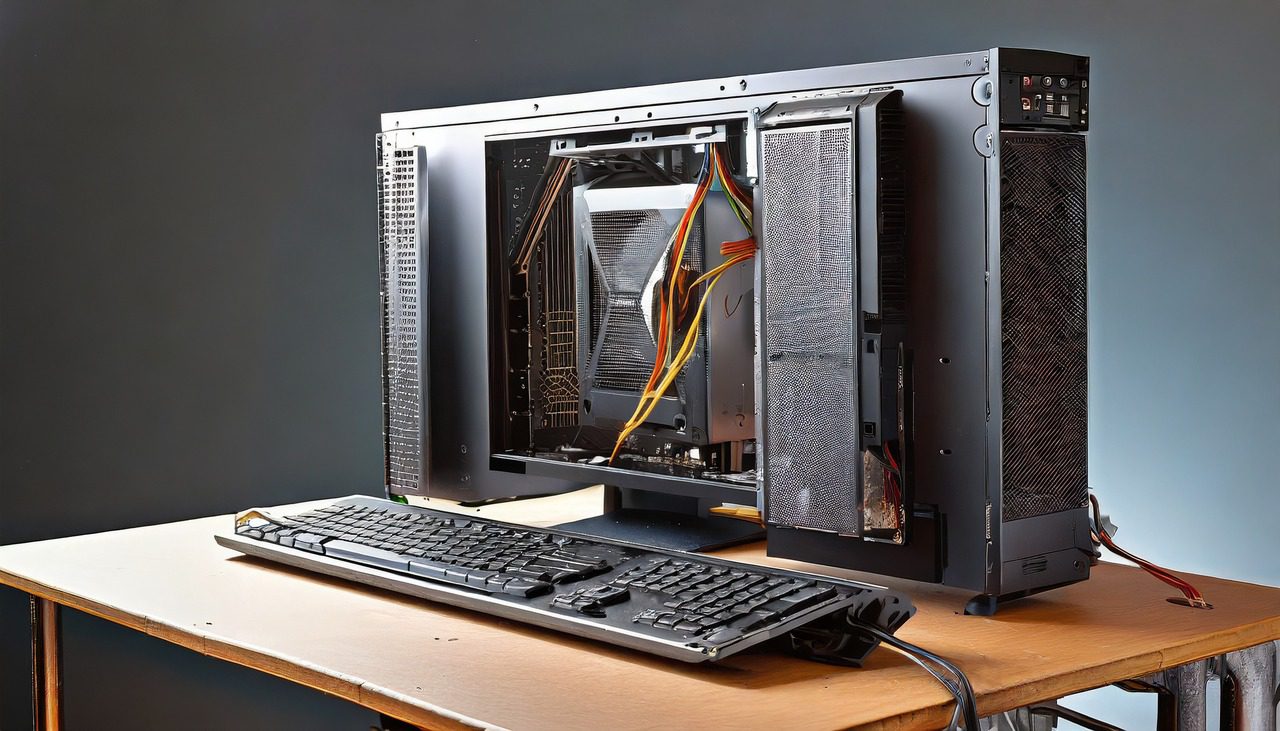
This article was collaboratively written with the assistance of ChatGPT, an AI language model developed by OpenAI. While the content was generated with AI assistance, it was reviewed and edited by our human editorial team to ensure accuracy and quality. As part of our efforts to enhance the user experience, we utilize artificial intelligence (AI) technologies to generate images and visual content on this website. Adobe Firefly AI-generated images may include graphics, illustrations, and other visual elements.


Related Articles









