
09/23/2021

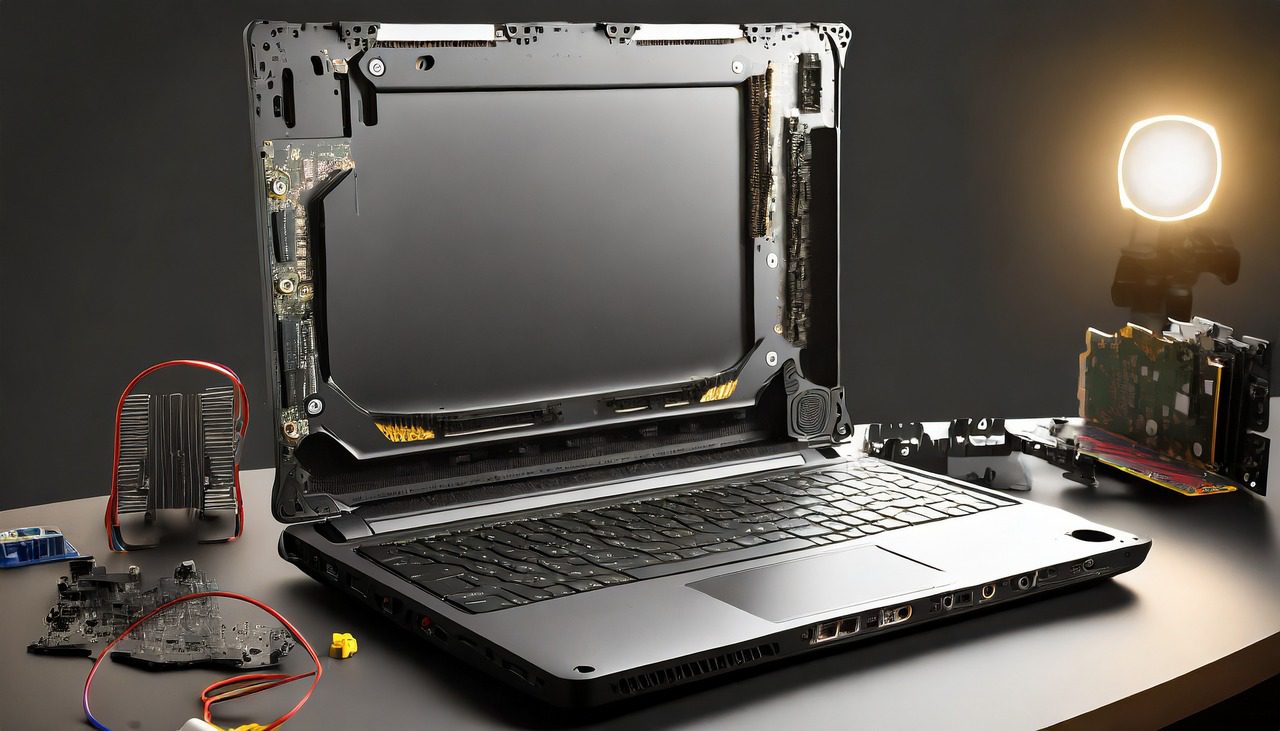
Asus TUF Gaming Laptop FA506 Tear Down Disassemble

[vc_video link=”https://www.youtube.com/watch?v=FHNholwaDpU” title=”Asus TUF Gaming Laptop FA506 Tear Down Disassemble”]

ASUS FA-506 Gaming Laptop Teardown Tutorial

Hello, Simon here. Today, I’ll guide you through a step-by-step teardown of the ASUS FA-506 gaming laptop, showing you how to upgrade components like the hard drive and RAM.

Preparing for Teardown

  • Laptop Model: ASUS FA-506.
  • Tools Needed: Phillips screwdriver (I’m using an electric one, link in the description).
  • Related Videos: Check out my screen replacement video for this model (link in the description).

Removing the Back Cover

  • Unscrew: Remove all the Phillips screws from the back cover.
  • Prying Open: Carefully pry open the back cover.

Exploring Internal Components

  1. Battery: Model B31N1726. Disconnect and unscrew to replace if necessary.
  2. M.2 Drive: Original drive upgraded to 1 TB. Can use a USB adapter for NVMe (linked in the description) for data recovery or cloning.
  3. RAM Upgrade: Currently 8GB, upgradeable to 32GB (16GB x 2 DDR4 RAM). Press side clippers to remove and install RAM.
  4. CPU and GPU Cooling: If overheating, consider reapplying thermal paste. Remove eight screws from the heatsink, clean with alcohol wipes, and apply new thermal paste evenly.
  5. Fans: Remove screws and disconnect to clean or replace CPU and GPU fans.
  6. Disconnecting Cables: Disconnect various cables (USB, touchpad, keyboard, etc.) before motherboard removal.
  7. Secondary M.2 Slot: Available for additional storage if needed.
  8. Motherboard Removal: Unscrew and gently lift the motherboard out.
  9. Keyboard Replacement: Integrated with the palm rest, requires replacing the entire assembly if faulty.

Wrapping Up

  • Once all components are inspected or replaced, reassemble the laptop by following the steps in reverse.
  • Final Thoughts: If this video helped with your repair or upgrade, please like and subscribe. Leave a comment on your experience and any questions you may have.

That’s it for the teardown tutorial of the ASUS FA-506 gaming laptop. Thanks for watching, and remember to take care until next time!

Legal Disclosure:

UberGeeks video(s) or information provided on this website does not, and is not intended to, constitute legal advice, constitute IT professional advise, information technology expert, or tech related material; instead, all information and content available on this are for entertainment purposes only. No information contained in this video shall create any express or implied warranty or guarantee of any particular result.

UberGeeks shall not be held liable for any damages, losses, injuries, loss of data, or harm arising from the use of information or techniques presented in our video(s) or information provided on this website. By accessing and using our content, you agree to release us from any liability.

Participation in any activities or experiments presented in our video(s) is entirely voluntary. If you choose to replicate any actions or experiments, exercise caution, and prioritize your safety and the safety of your equipment.

Thank you for joining us on this IT journey. We hope you find our video(s) enjoyable. Remember, your participation in this channel is at your own discretion, and we encourage you to use the information responsibly and safely.

Transparency Note:

This article was collaboratively written with the assistance of ChatGPT, an AI language model developed by OpenAI. While the content was generated with AI assistance, it was reviewed and edited by our human editorial team to ensure accuracy and quality. As part of our efforts to enhance the user experience, we utilize artificial intelligence (AI) technologies to generate images and visual content on this website. Adobe Firefly AI-generated images may include graphics, illustrations, and other visual elements.


Related Articles









