
08/26/2021

iPhone 11 LCD Screen Replacement

[vc_video link=”https://www.youtube.com/watch?v=aEpZiP_9Crs” title=”iPhone 11 LCD Screen Replacement”]

Step-by-Step Guide to iPhone 11 Screen Replacement

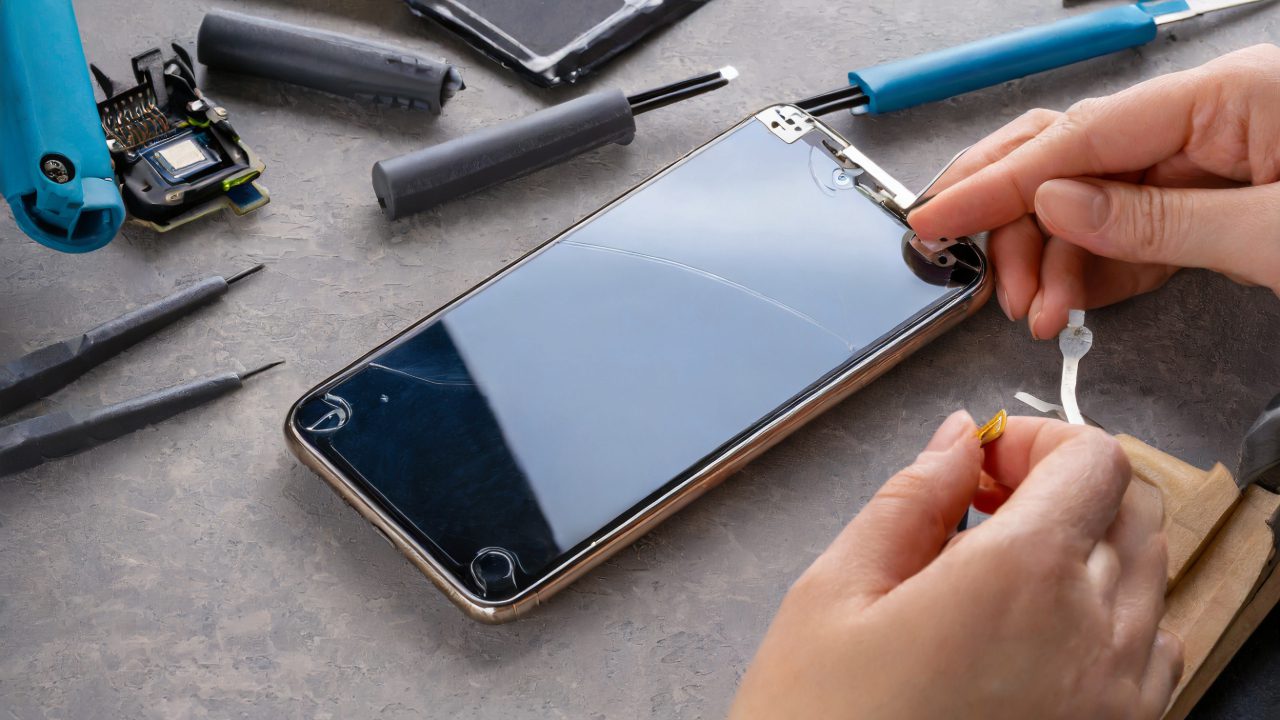
This guide provides a detailed process for replacing a cracked front screen of an iPhone 11. It’s important to note that this tutorial only covers front screen replacement and not the back screen.

Tools and Materials Needed

  • Star 0.8 screwdriver
  • Metal prying tool
  • Tri screwdriver
  • New iPhone 11 screen with digitizer and LCD

Steps for Screen Replacement

  1. Turn Off the Phone: Ensure the phone is powered off. If the battery is dead, it’s already off.
  2. Remove the Bottom Screws: Unscrew the two screws located at the bottom of the phone.
  3. Pry Open the Screen: Use the metal prying tool to cut through the adhesive seal around the phone. Be cautious, as this seal provides water resistance.
  4. Remove Internal Screws: Unscrew the internal screws to access the battery and screen connectors.
  5. Disconnect the Battery: Safely disconnect the battery before proceeding to disconnect the screen.
  6. Detach the Screen Connectors: Carefully disconnect the flex cables of the screen.
  7. Transfer Components to New Screen: Transfer the proximity sensor and any necessary brackets from the old screen to the new one.
  8. Reconnect the Cables: Align and attach the flex cables to the new screen.
  9. Reassemble the iPhone: Place the screen back by aligning it correctly and gently press it into the frame.
  10. Replace the Screws: Secure the iPhone by replacing the bottom screws.
  11. Test the New Screen: Power on your iPhone to ensure the new screen is functioning correctly.

Additional Tips

  • Handle all components with care to avoid damage.
  • The replacement might trigger a notification about non-genuine parts; this is normal.
  • Water resistance may be compromised after screen replacement.

Conclusion

Replacing the iPhone 11 screen is a manageable task with the right tools and careful handling. If you’ve followed this guide and successfully replaced your iPhone’s screen, share your experience in the comments below.


We hope this guide assists you in replacing your iPhone 11 screen. For any further questions or tips, feel free to leave a comment. Don’t forget to like and subscribe for more helpful tutorials. Take care and good luck with your repair!

Legal Disclosure:

UberGeeks video(s) or information provided on this website does not, and is not intended to, constitute legal advice, constitute IT professional advise, information technology expert, or tech related material; instead, all information and content available on this are for entertainment purposes only. No information contained in this video shall create any express or implied warranty or guarantee of any particular result.

UberGeeks shall not be held liable for any damages, losses, injuries, loss of data, or harm arising from the use of information or techniques presented in our video(s) or information provided on this website. By accessing and using our content, you agree to release us from any liability.

Participation in any activities or experiments presented in our video(s) is entirely voluntary. If you choose to replicate any actions or experiments, exercise caution, and prioritize your safety and the safety of your equipment.

Thank you for joining us on this IT journey. We hope you find our video(s) enjoyable. Remember, your participation in this channel is at your own discretion, and we encourage you to use the information responsibly and safely.

Transparency Note:

This article was collaboratively written with the assistance of ChatGPT, an AI language model developed by OpenAI. While the content was generated with AI assistance, it was reviewed and edited by our human editorial team to ensure accuracy and quality. As part of our efforts to enhance the user experience, we utilize artificial intelligence (AI) technologies to generate images and visual content on this website. Adobe Firefly AI-generated images may include graphics, illustrations, and other visual elements.


Related Articles









