
08/10/2021

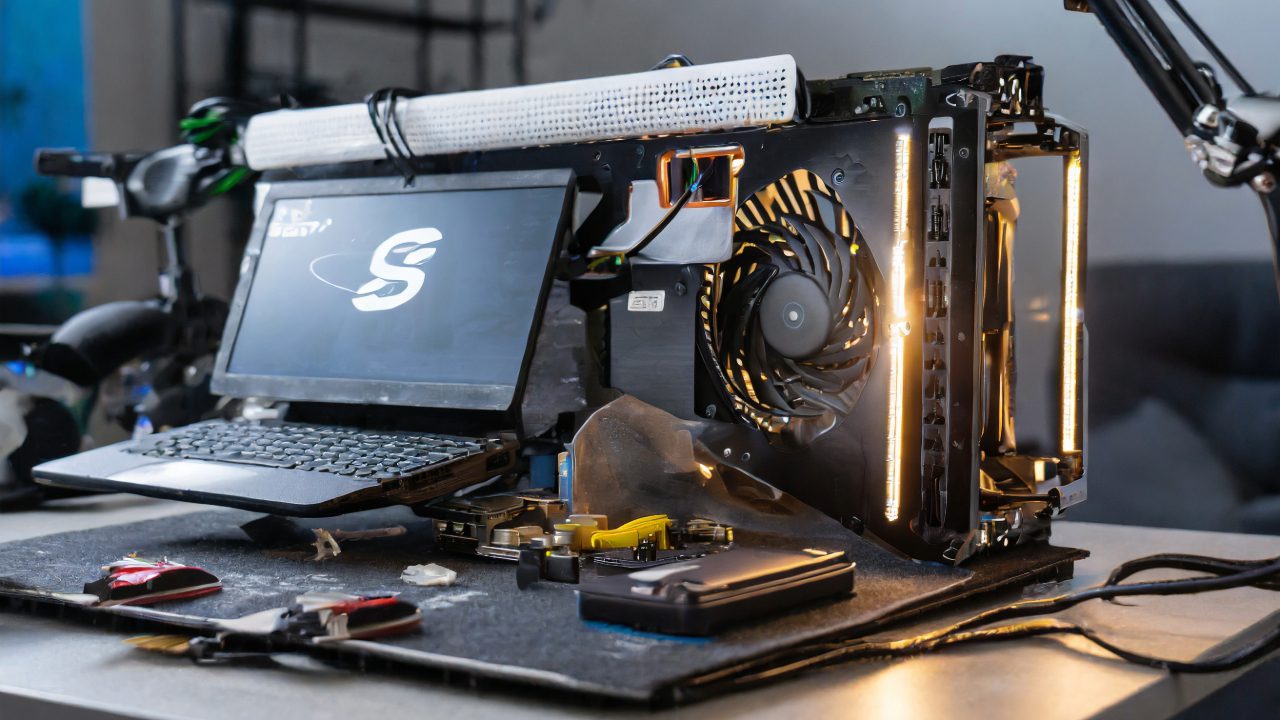
MSI Aegis SE 10SI Desktop Tear Down Disassemble

[vc_video link=”https://www.youtube.com/watch?v=VpQ2uPNusbs” title=”MSI Aegis SE 10SI Desktop Tear Down Disassemble”]

MSI Eagus Gaming Desktop Teardown and Upgrade Guide

In this guide, we’ll explore the internals of the MSI Eagus SE10 SI gaming desktop, offering insights into how to take it apart and suggesting potential upgrades.

Tools Required:

  • Phillips screwdriver for removing screws on the side panel and internal components.

Teardown Process:

  1. Removing the Side Panel: Unscrew the Phillips screws and slide the panel off to access the internal components.
  2. Identifying Components: Inside, you’ll find a standard layout with the power supply at the top, followed by the motherboard, exhaust fan, and graphics card.
  3. Upgrading the Power Supply: The desktop comes with a 350W power supply, which can be upgraded to a higher wattage like 650W or 850W for more demanding components.
  4. Graphics Card Replacement/Upgrade: To remove the graphics card, detach the power connectors and release the PCIe clip. The model in this desktop is a GeForce GTX 1660 Super, which can be upgraded if needed.
  5. Wi-Fi Card Access: Located near the graphics card, the Wi-Fi card can be easily replaced by unscrewing and unplugging it.
  6. RAM Upgrade: The desktop uses DDR4 RAM. To upgrade or replace, simply unclip and remove the existing sticks. This model comes with 16GB (2x8GB) and can be upgraded to 32GB (2x16GB).
  7. CPU and Thermal Paste Check: If experiencing overheating, it’s a good idea to check the CPU’s thermal paste. Clean off the old paste with alcohol wipes and apply a new layer.
  8. Hard Drive Replacement/Upgrade: The desktop features a 2.5-inch SSD, accessible by removing the opposite side panel. An M.2 NVMe SSD slot is also available for further storage expansion.

Tips for Effective Upgrading:

  • Ensure all cables are managed properly, ideally behind the panels, for better airflow and aesthetics.
  • Regularly clean the internals to prevent dust build-up.
  • When handling components, be gentle to avoid any damage.

Conclusion:

The MSI Eagus gaming desktop offers straightforward access for maintenance and upgrades. Whether you’re looking to boost performance or replace a failing component, this guide should help you navigate the internals of your gaming rig effectively.


This guide provides a comprehensive overview of the MSI Eagus gaming desktop’s internal components, offering practical advice for those looking to undertake maintenance or upgrades.

Legal Disclosure:

UberGeeks video(s) or information provided on this website does not, and is not intended to, constitute legal advice, constitute IT professional advise, information technology expert, or tech related material; instead, all information and content available on this are for entertainment purposes only. No information contained in this video shall create any express or implied warranty or guarantee of any particular result.

UberGeeks shall not be held liable for any damages, losses, injuries, loss of data, or harm arising from the use of information or techniques presented in our video(s) or information provided on this website. By accessing and using our content, you agree to release us from any liability.

Participation in any activities or experiments presented in our video(s) is entirely voluntary. If you choose to replicate any actions or experiments, exercise caution, and prioritize your safety and the safety of your equipment.

Thank you for joining us on this IT journey. We hope you find our video(s) enjoyable. Remember, your participation in this channel is at your own discretion, and we encourage you to use the information responsibly and safely.

Transparency Note:

This article was collaboratively written with the assistance of ChatGPT, an AI language model developed by OpenAI. While the content was generated with AI assistance, it was reviewed and edited by our human editorial team to ensure accuracy and quality. As part of our efforts to enhance the user experience, we utilize artificial intelligence (AI) technologies to generate images and visual content on this website. Adobe Firefly AI-generated images may include graphics, illustrations, and other visual elements.


Related Articles









