
08/03/2021

HP Pavilion 16 a0045nr Tear Down Disassemble

[vc_video link=”https://www.youtube.com/watch?v=CxJUVZ5FIpo” title=”HP Pavilion 16 a0045nr Tear Down Disassemble”]

HP Pavilion Gaming Laptop Teardown and Upgrade Guide

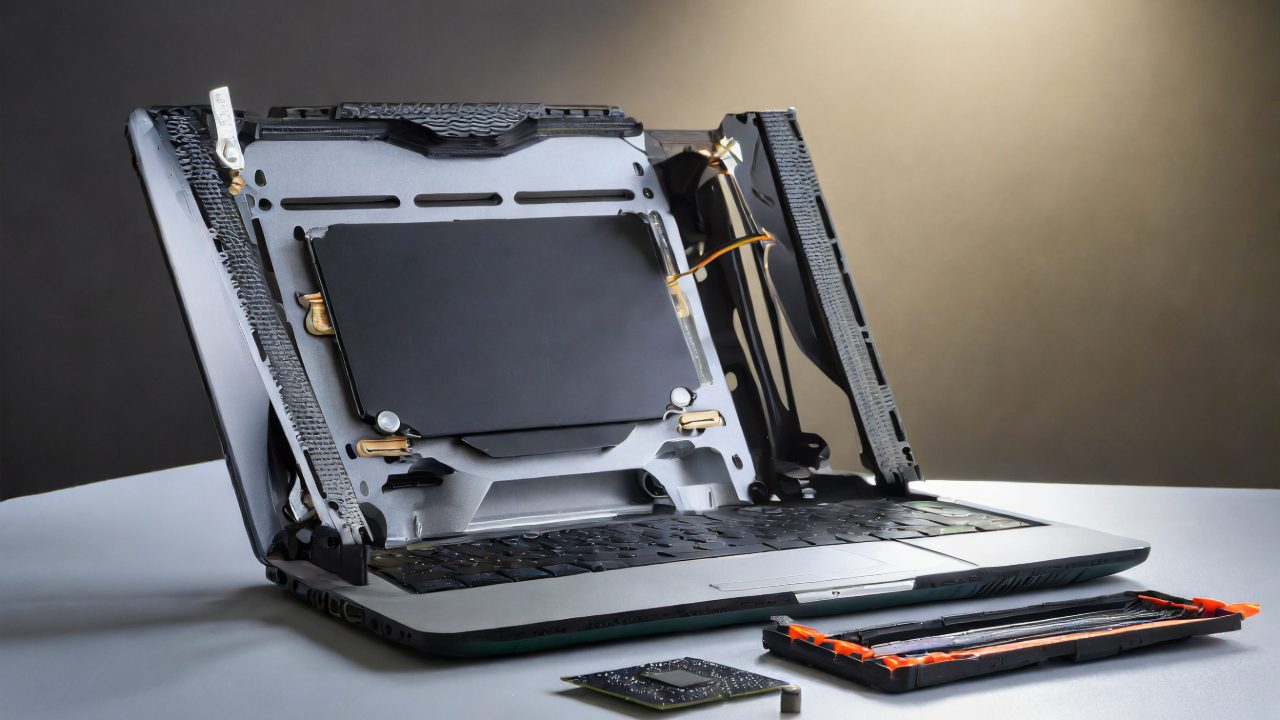
The HP Pavilion Gaming Laptop is a versatile and powerful machine designed for both gaming and everyday use. This teardown guide will walk you through the steps to upgrade key components like RAM, M.2 drive, and battery, as well as how to dismantle various parts for maintenance or replacement.

Model Specifications:

  • Model: HP Pavilion 16-A0045NR
  • Processor: Intel i5 10th Generation
  • Graphics Card: NVIDIA
  • Keyboard: Neon green backlit

Teardown Steps:

  1. Removing the Back Cover: Start by unscrewing the eight Phillips screws (four long on the top and four short at the bottom). Use a metal prying tool to gently remove the back cover.
  2. Battery Replacement: If the battery is swollen or failing to hold a charge, disconnect it by sliding the connector down towards the laptop’s body and then unscrew to remove. The battery model is PG03XL.
  3. M.2 SSD Drive Upgrade: The laptop comes with a 256GB M.2 SSD, which can be upgraded if more storage is needed. The guide includes steps on cloning the existing drive to a larger M.2 SSD using an adapter.
  4. RAM Upgrade: The laptop has DDR4 RAM slots, allowing upgrades up to 32GB for enhanced performance.
  5. CPU Fan and Heat Sink: If the laptop overheats or the fan makes unusual noises, it might be necessary to replace the fan or reapply thermal paste on the heatsink.
  6. Adding a Secondary Drive: There’s an additional slot for a 2.5-inch SSD or HDD, providing the option for extra storage.
  7. Wi-Fi Card: Steps to replace or upgrade the Wi-Fi card, which also handles Bluetooth connectivity.
  8. Motherboard Removal: Detailed instructions are provided for carefully removing the motherboard for any necessary repairs or replacements.
  9. Speaker Replacement: If experiencing audio issues, the guide explains how to access and replace the speakers.
  10. Keyboard and Screen Replacement: The keyboard is integrated with the palm rest and is not separately replaceable. For screen issues, users can either replace the entire screen assembly or just the LCD, depending on the problem.

Conclusion:

This comprehensive teardown guide for the HP Pavilion Gaming Laptop is essential for anyone looking to upgrade or repair their device. Whether it’s increasing storage capacity, enhancing RAM, or replacing a worn-out battery, this guide provides step-by-step instructions to ensure a smooth upgrade process.

Remember, always take appropriate precautions when handling internal components and consider seeking professional help if unsure about the process.


This summarized blog post provides a detailed guide on dismantling and upgrading the HP Pavilion Gaming Laptop, making it a valuable resource for owners of this model.

Legal Disclosure:

UberGeeks video(s) or information provided on this website does not, and is not intended to, constitute legal advice, constitute IT professional advise, information technology expert, or tech related material; instead, all information and content available on this are for entertainment purposes only. No information contained in this video shall create any express or implied warranty or guarantee of any particular result.

UberGeeks shall not be held liable for any damages, losses, injuries, loss of data, or harm arising from the use of information or techniques presented in our video(s) or information provided on this website. By accessing and using our content, you agree to release us from any liability.

Participation in any activities or experiments presented in our video(s) is entirely voluntary. If you choose to replicate any actions or experiments, exercise caution, and prioritize your safety and the safety of your equipment.

Thank you for joining us on this IT journey. We hope you find our video(s) enjoyable. Remember, your participation in this channel is at your own discretion, and we encourage you to use the information responsibly and safely.

Transparency Note:

This article was collaboratively written with the assistance of ChatGPT, an AI language model developed by OpenAI. While the content was generated with AI assistance, it was reviewed and edited by our human editorial team to ensure accuracy and quality. As part of our efforts to enhance the user experience, we utilize artificial intelligence (AI) technologies to generate images and visual content on this website. Adobe Firefly AI-generated images may include graphics, illustrations, and other visual elements.


Related Articles









