
04/20/2021

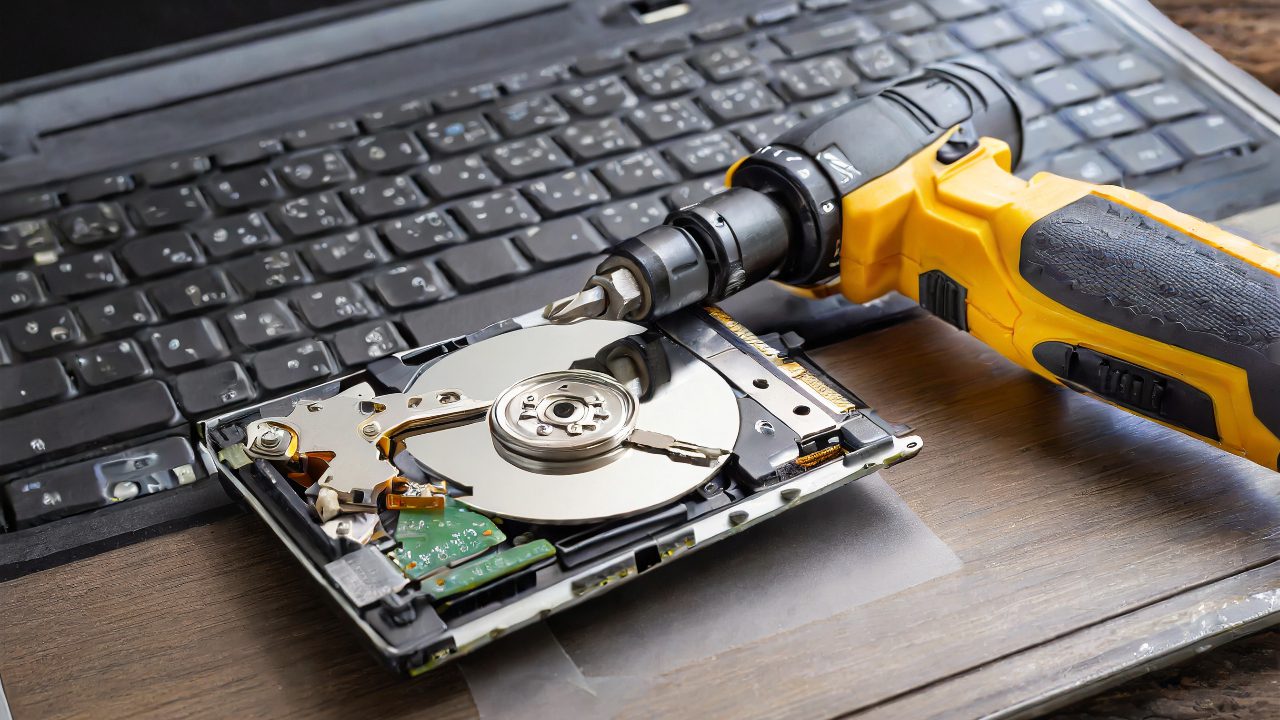
Electric Screwdriver on Dell Laptop for HD Replacement

[vc_video link=”https://www.youtube.com/watch?v=XrDXjnTgpdY” title=”Electric Screwdriver on Dell Laptop for HD Replacement”]

Dell 17-Inch Laptop Hard Drive Removal

Overview

  • Purpose: To remove the hard drive from a Dell 17-inch laptop for data cloning.
  • Tools: Electric screwdriver (non-sponsored) and manual tools.
  • Process: Demonstrates hard drive removal, discussing other components and potential issues.

Process Breakdown

  • 1. Initial Steps:
    • Remove screws using an electric screwdriver.
    • Discuss the screwdriver’s features (magnetism, rechargeability, etc.).
  • 2. Optical Drive Removal:
    • Encounter difficulty due to rust and corrosion, potentially from liquid spill.
    • Note on the necessity of replacing the optical drive.
  • 3. Keyboard and Internal Inspection:
    • Pry open the keyboard.
    • Observe evidence of liquid damage affecting components.
  • 4. Hard Drive Removal:
    • Unscrew and safely remove the hard drive for cloning.
    • Mention using Acronis software for data cloning.
  • 5. Additional Observations:
    • Battery swelling suggests impending failure.
    • Suggest replacement and provide model number for reference.
  • 6. RAM and Motherboard:
    • Identify additional RAM slot for potential upgrade.
    • Discuss the motherboard and note that the keyboard might require full bottom part replacement for repairs.

General Advice

  • Encourages viewers to comment with questions or topics they want to hear about in future videos.
  • Offers links in the description for battery replacement and the electric screwdriver.

Conclusion

  • The video serves as a casual touch-base with viewers rather than a strict tutorial.
  • Invites viewers to subscribe, like, and engage with the channel for more content.

Personal Note

The presenter maintains an informal and conversational tone throughout the video, making it accessible and engaging for viewers who might be new to DIY laptop repairs or interested in the presenter’s personal tool preferences and experiences.

Legal Disclosure:

UberGeeks video(s) or information provided on this website does not, and is not intended to, constitute legal advice, constitute IT professional advise, information technology expert, or tech related material; instead, all information and content available on this are for entertainment purposes only. No information contained in this video shall create any express or implied warranty or guarantee of any particular result.

UberGeeks shall not be held liable for any damages, losses, injuries, loss of data, or harm arising from the use of information or techniques presented in our video(s) or information provided on this website. By accessing and using our content, you agree to release us from any liability.

Participation in any activities or experiments presented in our video(s) is entirely voluntary. If you choose to replicate any actions or experiments, exercise caution, and prioritize your safety and the safety of your equipment.

Thank you for joining us on this IT journey. We hope you find our video(s) enjoyable. Remember, your participation in this channel is at your own discretion, and we encourage you to use the information responsibly and safely.

Transparency Note:

This article was collaboratively written with the assistance of ChatGPT, an AI language model developed by OpenAI. While the content was generated with AI assistance, it was reviewed and edited by our human editorial team to ensure accuracy and quality. As part of our efforts to enhance the user experience, we utilize artificial intelligence (AI) technologies to generate images and visual content on this website. Adobe Firefly AI-generated images may include graphics, illustrations, and other visual elements.


Related Articles









