
09/01/2021

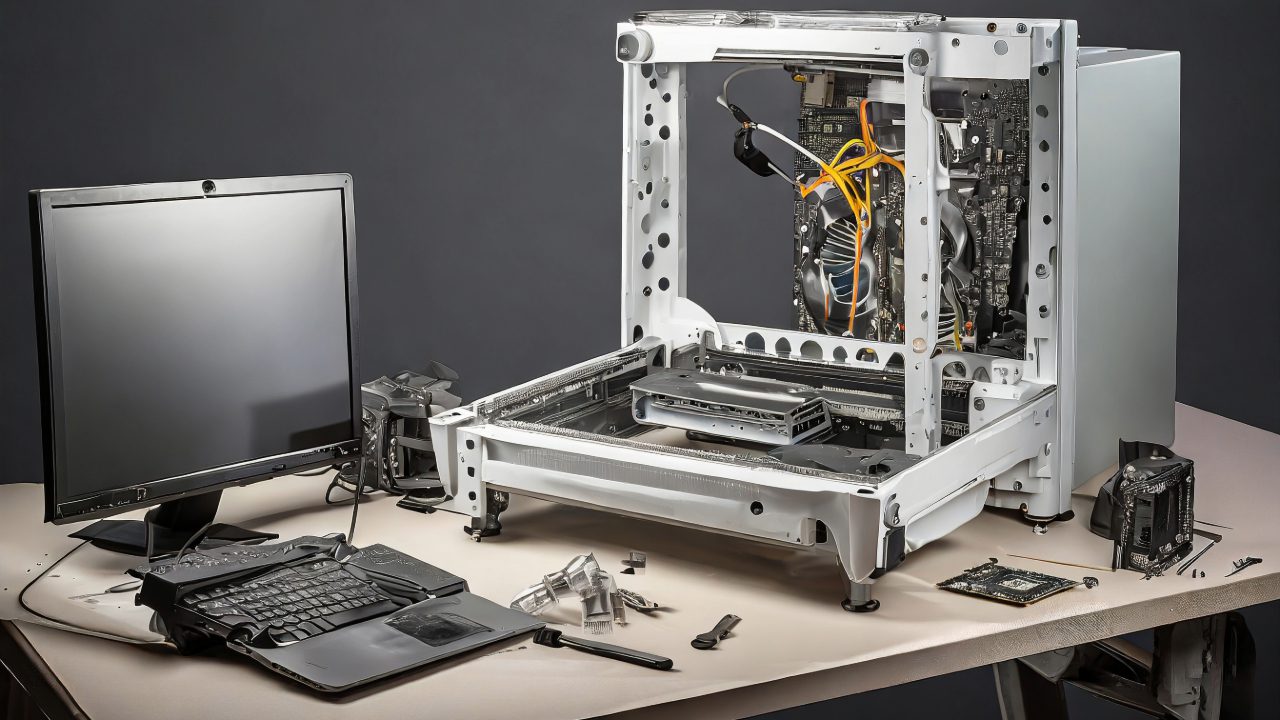
Acer Aspire TC895 D17E5 Tear Down Disassemble

[vc_video link=”https://www.youtube.com/watch?v=pHvrLCRekGY” title=”Acer Aspire TC895 D17E5 Tear Down Disassemble”]

Teardown Guide: Acer Aspire TC-895 Desktop

Welcome to our detailed teardown guide for the Acer Aspire TC-895 desktop. This guide will walk you through the internals of this Acer model, highlighting key components and potential upgrades.

Tools Needed

  • Phillips screwdriver

External Overview

  • Power button at the top
  • CD/DVD drive
  • SD card reader, USB-C, USB 3.0 ports, headphone and microphone jacks
  • Two HDMI outputs for dual monitor setup
  • USB 3.0, USB 2.0, Ethernet port, audio jacks on the back

Internal Components Teardown

  1. Removing the Side Panel: Unscrew two Phillips screws at the back and slide the panel off.
  2. Motherboard and Components: Inside, you’ll find the motherboard, CPU fan, heatsink, power supply, RAM, Wi-Fi card, and the hard drive on the other side.
  3. Removing the Front Panel: Unclip and gently remove the front panel to access the hard drive mounting area.
  4. Hard Drive Area: The hard drive bay supports additional drives. However, necessary cables for installation are not included.
  5. RAM Upgrade: The desktop comes with two 4 GB DDR4 RAM sticks, which you can upgrade.
  6. Locating the SSD: The primary SSD (C: drive) is hidden behind the optical drive. Remove the optical drive to access the SSD.
  7. SSD Upgrade Option: The SSD can be upgraded, but cloning software and an adapter are needed.
  8. Power Supply Limitations: The 300W power supply limits upgrade options, particularly for high-end graphics cards.
  9. Potential Cooling Upgrade: Only one fan is present. An additional 9mm fan can be added at the back for better cooling.
  10. CPU and Heatsink: The CPU is under the heatsink. Remove the heatsink to reapply thermal paste or change the CPU.

Conclusion

The Acer Aspire TC-895 is suitable for basic computing needs but has limitations for gaming or high-performance tasks due to its power supply and cooling system. It offers some upgrade potential, particularly in storage and memory.


Thank you for watching this teardown video of the Acer Aspire TC-895. If you found it helpful, please give it a like, subscribe for more content, and hit the notification bell for updates on new videos. Good luck with your repairs or upgrades!

Legal Disclosure:

UberGeeks video(s) or information provided on this website does not, and is not intended to, constitute legal advice, constitute IT professional advise, information technology expert, or tech related material; instead, all information and content available on this are for entertainment purposes only. No information contained in this video shall create any express or implied warranty or guarantee of any particular result.

UberGeeks shall not be held liable for any damages, losses, injuries, loss of data, or harm arising from the use of information or techniques presented in our video(s) or information provided on this website. By accessing and using our content, you agree to release us from any liability.

Participation in any activities or experiments presented in our video(s) is entirely voluntary. If you choose to replicate any actions or experiments, exercise caution, and prioritize your safety and the safety of your equipment.

Thank you for joining us on this IT journey. We hope you find our video(s) enjoyable. Remember, your participation in this channel is at your own discretion, and we encourage you to use the information responsibly and safely.

Transparency Note:

This article was collaboratively written with the assistance of ChatGPT, an AI language model developed by OpenAI. While the content was generated with AI assistance, it was reviewed and edited by our human editorial team to ensure accuracy and quality. As part of our efforts to enhance the user experience, we utilize artificial intelligence (AI) technologies to generate images and visual content on this website. Adobe Firefly AI-generated images may include graphics, illustrations, and other visual elements.


Related Articles









