
08/24/2022

Add Upgrade RAM on HP Omen Desktop

[vc_video link=”https://www.youtube.com/watch?v=S95NS89uhgA” title=”Add Upgrade RAM on HP Omen Desktop”]

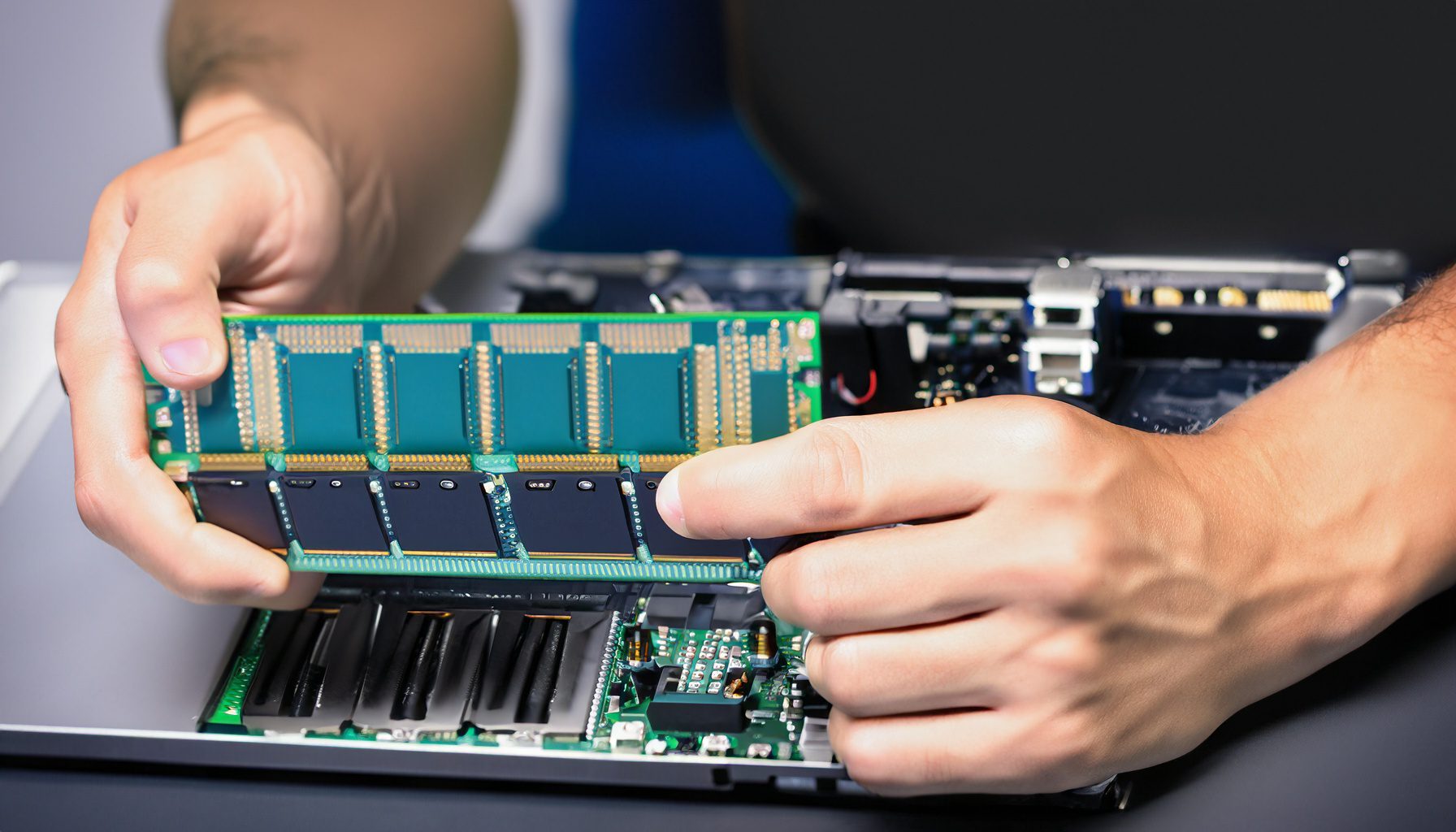
Guide to Adding DDR4 Desktop RAM to HP Omen Gaming Desktop

Introduction

  • Objective: Guide on adding extra DDR4 RAM to an HP Omen gaming desktop.
  • Equipment Needed: DDR4 RAM module(s), either third-party or HP-compatible.

Steps to Add Additional RAM

  1. Accessing Internal Components:
    • Locate the ‘Internal Access’ button on the back of the desktop.
    • Press and hold the button while lifting the side panel towards yourself, then slide it out to open.
  2. Identifying RAM Slots:
    • The HP Omen desktop comes with two RAM slots. One is preoccupied, and the other is available for additional RAM.
    • Note the orientation of the RAM slot and the notch on the RAM module for correct insertion.
  3. Installing the New RAM:
    • Open the side clippers on the RAM slot by pressing them down.
    • Align the notch on the RAM module with the gap in the RAM slot.
    • Insert the RAM module gently but firmly until the side clippers lock onto the module, indicating secure placement.
  4. Reassembling the Desktop:
    • Carefully reposition the side panel and ensure it’s securely in place.

Post-Installation Tips

  • RAM Compatibility: Before purchasing new RAM, ensure it’s compatible with your HP Omen model.
  • Capacity Upgrade Options: The HP Omen allows for different configurations, like 8+8 GB or 16+16 GB for increased capacity.
  • Checking New RAM Functionality: Upon booting, check the system properties to ensure the new RAM is recognized and functioning.

Conclusion

  • Purpose: Enhance your HP Omen gaming desktop’s performance and multitasking capabilities by increasing RAM.
  • Difficulty Level: Easy; suitable for users with basic hardware modification experience.

Engagement

  • Call to Action: Encourages viewers to like and subscribe for more hardware tutorials.
  • Support Offered: Offers help through comments for any questions related to the RAM upgrade process.

Additional Notes

  • Handling Precautions: Handle the RAM module by the edges to avoid damage from static electricity.
  • Upgrading Both Slots: Consider matching the RAM modules in both slots for optimal performance.
  • Static Precautions: Use an anti-static wrist strap or ground yourself before handling internal components.


Legal Disclosure:

UberGeeks video(s) or information provided on this website does not, and is not intended to, constitute legal advice, constitute IT professional advise, information technology expert, or tech related material; instead, all information and content available on this are for entertainment purposes only. No information contained in this video shall create any express or implied warranty or guarantee of any particular result.

UberGeeks shall not be held liable for any damages, losses, injuries, loss of data, or harm arising from the use of information or techniques presented in our video(s) or information provided on this website. By accessing and using our content, you agree to release us from any liability.

Participation in any activities or experiments presented in our video(s) is entirely voluntary. If you choose to replicate any actions or experiments, exercise caution, and prioritize your safety and the safety of your equipment.

Thank you for joining us on this IT journey. We hope you find our video(s) enjoyable. Remember, your participation in this channel is at your own discretion, and we encourage you to use the information responsibly and safely.

Transparency Note:

This article was collaboratively written with the assistance of ChatGPT, an AI language model developed by OpenAI. While the content was generated with AI assistance, it was reviewed and edited by our human editorial team to ensure accuracy and quality. As part of our efforts to enhance the user experience, we utilize artificial intelligence (AI) technologies to generate images and visual content on this website. Adobe Firefly AI-generated images may include graphics, illustrations, and other visual elements.


Related Articles









