
09/04/2021

D Link DSR 250 Router Port Forwarding Setup

[vc_video link=”https://www.youtube.com/watch?v=xhNgjAPy5Rs” title=”D Link DSR 250 Router Port Forwarding Setup”]

D-Link DSR-250 Router: Port Forwarding Step-by-Step Guide

Welcome to this tutorial on how to set up port forwarding on the D-Link DSR-250 router. This guide is useful if you need to configure remote desktop access, security cameras, or any other service requiring port forwarding.

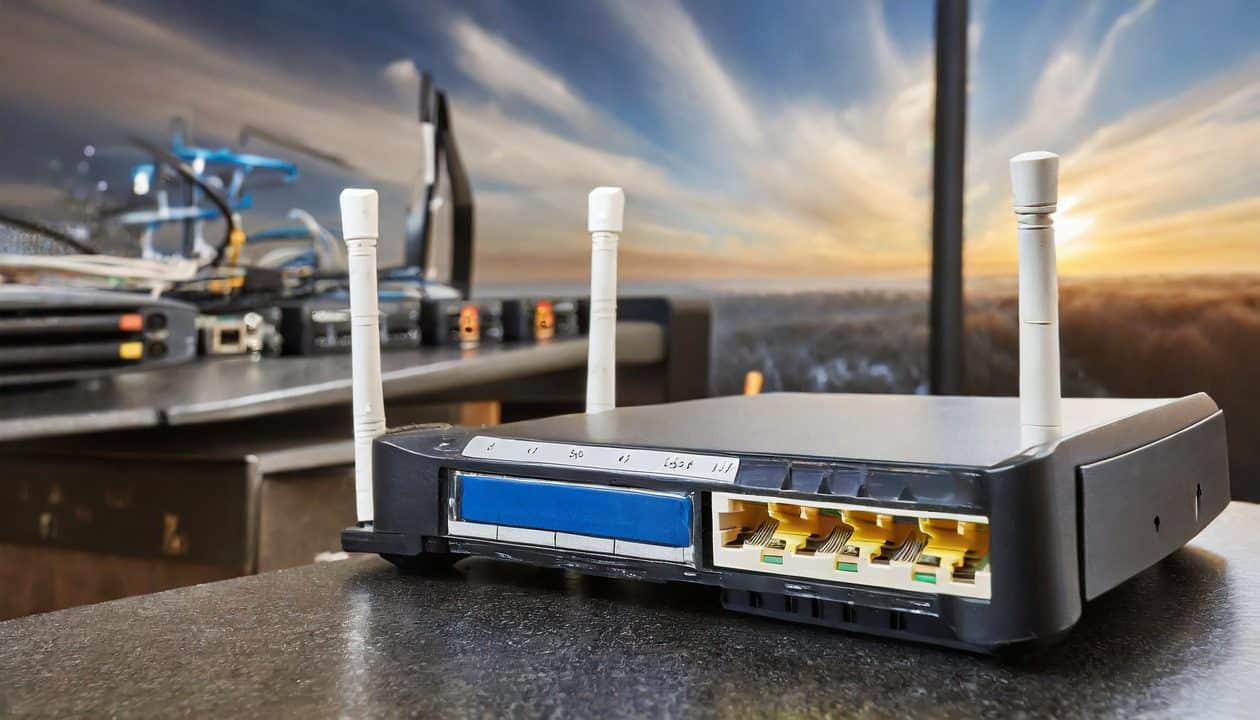
Overview of D-Link DSR-250 Router

  • 8 LAN ports and 1 WAN port
  • No built-in Wi-Fi (use an external access point for Wi-Fi)
  • Model: D-Link DSR-250

Steps for Port Forwarding

  1. Access Router Settings: Open a browser and enter the router’s IP address (default: 192.168.10.1). Ignore the security warning and proceed to the login page. Default credentials are admin/admin.
  2. Create Custom Services:
    • Go to Security > Custom Services.
    • Click on Add New Custom Service.
    • Example 1: For remote desktop (RDP), name it (e.g., Work From Home), select TCP/UDP, set Source Start/Finish Port (1 and 65535), and set Destination Start/Finish Port (3389).
    • Example 2: For a security camera, name it (e.g., Walmart Costco Cam), follow the same source port settings, and set the appropriate destination port provided by your camera’s manufacturer.
  3. Setting Firewall Rules:
    • Navigate to Firewall Security > Firewall Rules.
    • Click on Add New IPv4.
    • Set ‘From Zone’ to WAN and ‘To Zone’ to LAN.
    • Select the service you created (e.g., Work From Home or Walmart Costco Cam).
    • Set ‘Always Allowed’.
    • Enter the internal IP address of the device (e.g., a workstation for RDP or a camera).
    • Save the settings.
  4. Finalize Settings: Ensure the port forwarding section is off since the custom service and firewall rule handle the traffic. Save all configurations.

Conclusion

Port forwarding on the D-Link DSR-250 router is straightforward once you understand the process. This setup allows external devices to communicate with your internal network securely.


Thank you for watching this guide on setting up port forwarding with the D-Link DSR-250 router. If you have any questions or need further assistance, feel free to leave a comment below. Don’t forget to like this video and subscribe for more tutorials. Take care and see you in the next video!

Legal Disclosure:

UberGeeks video(s) or information provided on this website does not, and is not intended to, constitute legal advice, constitute IT professional advise, information technology expert, or tech related material; instead, all information and content available on this are for entertainment purposes only. No information contained in this video shall create any express or implied warranty or guarantee of any particular result.

UberGeeks shall not be held liable for any damages, losses, injuries, loss of data, or harm arising from the use of information or techniques presented in our video(s) or information provided on this website. By accessing and using our content, you agree to release us from any liability.

Participation in any activities or experiments presented in our video(s) is entirely voluntary. If you choose to replicate any actions or experiments, exercise caution, and prioritize your safety and the safety of your equipment.

Thank you for joining us on this IT journey. We hope you find our video(s) enjoyable. Remember, your participation in this channel is at your own discretion, and we encourage you to use the information responsibly and safely.

Transparency Note:

This article was collaboratively written with the assistance of ChatGPT, an AI language model developed by OpenAI. While the content was generated with AI assistance, it was reviewed and edited by our human editorial team to ensure accuracy and quality. As part of our efforts to enhance the user experience, we utilize artificial intelligence (AI) technologies to generate images and visual content on this website. Adobe Firefly AI-generated images may include graphics, illustrations, and other visual elements.


Related Articles









