
11/21/2020

Dell P58F001 Tear Down Disassemble

[vc_video link=”https://www.youtube.com/watch?v=D_tF1T1bdMQ” title=”Dell P58F001 Tear Down Disassemble”]

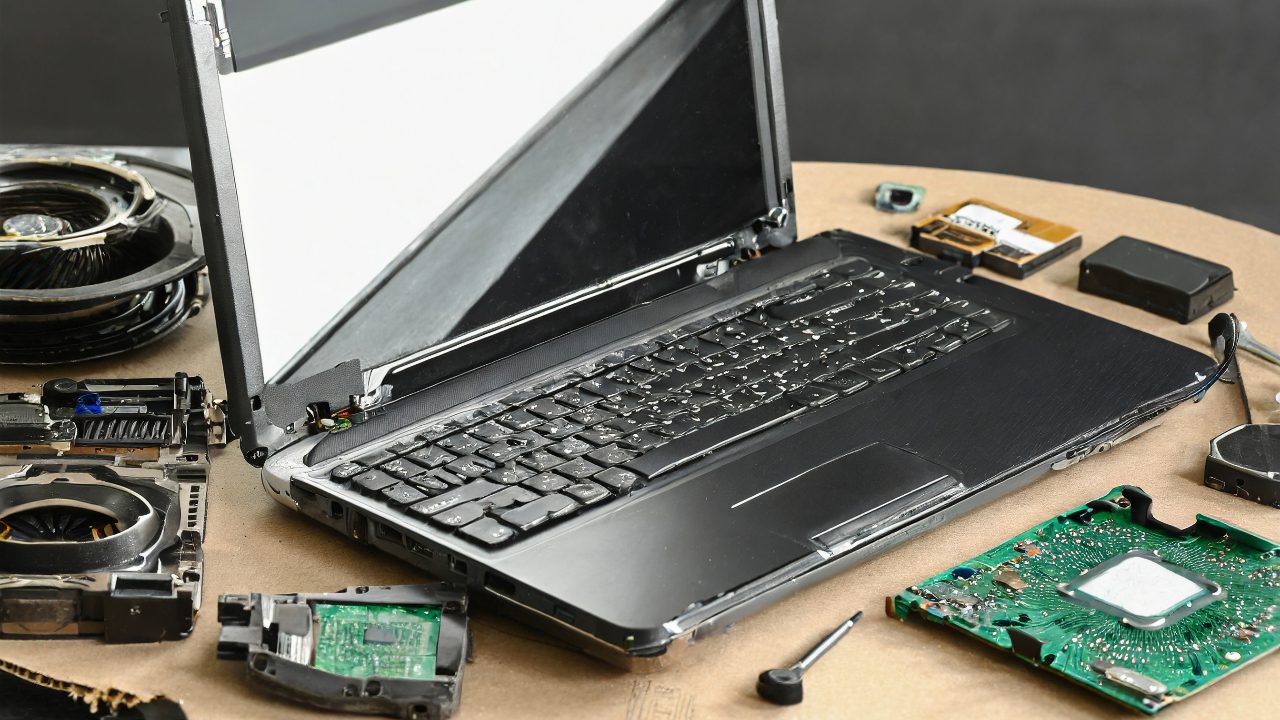
Dell Laptop (P58F001) Teardown Guide

Introduction

  • Objective: Disassemble a Dell laptop (Model: P58F001, 15-inch).
  • Tools Required: Phillips screwdriver.

Steps for Teardown

1. Preparation:

  • Shutdown the laptop completely.
  • Unplug all cables and accessories.

2. Removing the Back Plate:

  • Unscrew all Phillips screws from the back. Note that the top screws may not come out completely but will loosen.
  • Use a plastic prying tool to carefully lift and remove the back plate.

3. Battery Removal:

  • Disconnect the battery cable from the motherboard.
  • Unscrew and remove the battery. Check the battery model (e.g., WDX0R) for replacement.

4. Disassembling Components:

  • Disconnect cables for the touchpad, CPU fan, and other connections on the motherboard.
  • Remove the CPU fan by unscrewing it and lifting it out.
  • Check and remove the RAM if needed. The laptop has two RAM slots for upgrading or replacing the memory modules.

5. Motherboard Removal:

  • Disconnect all remaining cables attached to the motherboard.
  • Unscrew and carefully lift out the motherboard.

6. Hard Drive Removal:

  • Unscrew and remove the hard drive. This laptop uses a regular spinning hard drive. It’s recommended to upgrade to a solid-state drive (SSD) for better performance.

7. Keyboard and Palm Rest:

  • The keyboard is not individually replaceable. It’s integrated into the palm rest.
  • To remove, unscrew the hinges and lift the assembly out.
  • Replacement requires the entire palm rest with the keyboard assembly.

8. LCD Screen:

  • To remove or replace the LCD screen, disconnect the WiFi cables and slide out the WiFi card.
  • Open the hinges and remove the entire LCD assembly.

Conclusion

  • The Dell P58F001 allows for the disassembly of major components like the battery, CPU fan, RAM, hard drive, and motherboard.
  • The keyboard is integrated with the palm rest and requires replacement as a whole unit.
  • The LCD screen is also replaceable as a complete assembly.

Additional Notes

  • Be careful with the cables and connections during disassembly and reassembly.
  • The guide provides a general overview; the video offers more detailed visual instructions.

Legal Disclosure:

UberGeeks video(s) or information provided on this website does not, and is not intended to, constitute legal advice, constitute IT professional advise, information technology expert, or tech related material; instead, all information and content available on this are for entertainment purposes only. No information contained in this video shall create any express or implied warranty or guarantee of any particular result.

UberGeeks shall not be held liable for any damages, losses, injuries, loss of data, or harm arising from the use of information or techniques presented in our video(s) or information provided on this website. By accessing and using our content, you agree to release us from any liability.

Participation in any activities or experiments presented in our video(s) is entirely voluntary. If you choose to replicate any actions or experiments, exercise caution, and prioritize your safety and the safety of your equipment.

Thank you for joining us on this IT journey. We hope you find our video(s) enjoyable. Remember, your participation in this channel is at your own discretion, and we encourage you to use the information responsibly and safely.

Transparency Note:

This article was collaboratively written with the assistance of ChatGPT, an AI language model developed by OpenAI. While the content was generated with AI assistance, it was reviewed and edited by our human editorial team to ensure accuracy and quality. As part of our efforts to enhance the user experience, we utilize artificial intelligence (AI) technologies to generate images and visual content on this website. Adobe Firefly AI-generated images may include graphics, illustrations, and other visual elements.


Related Articles









