
04/30/2021

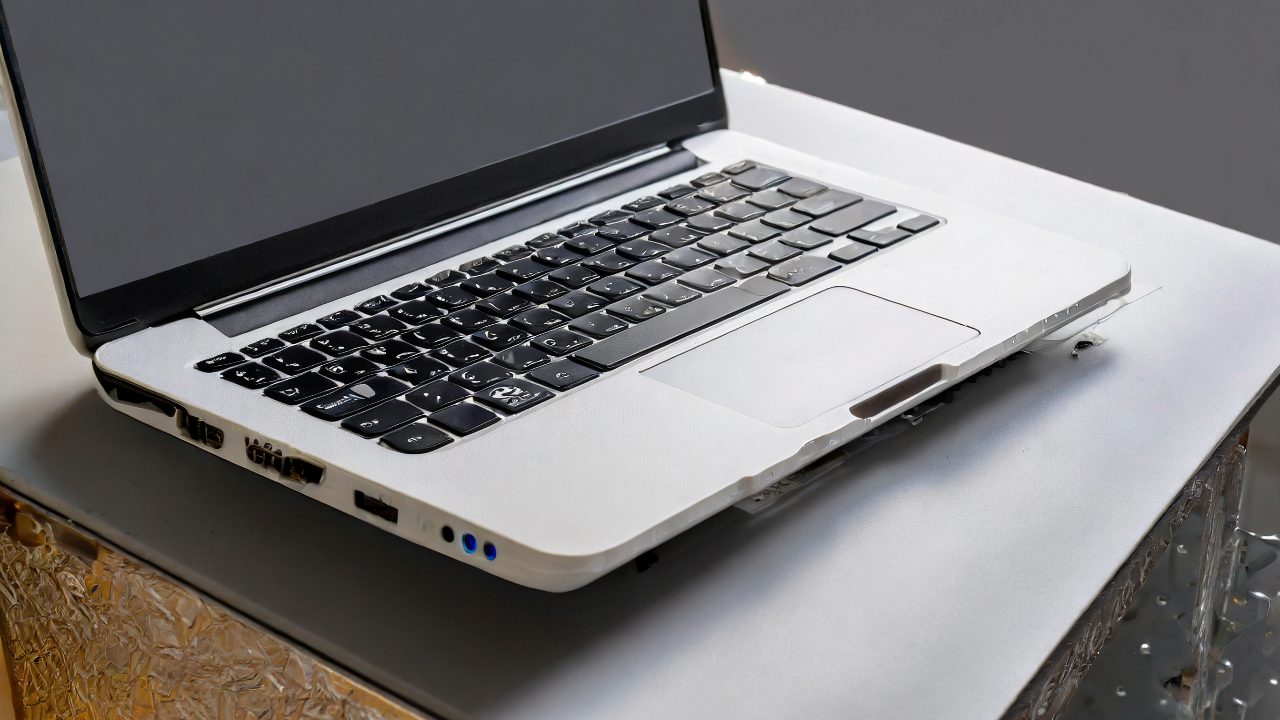
Macbook Pro 15 A1398 Top Case Battery Keyboard Replacement

[vc_video link=”https://www.youtube.com/watch?v=TpamcnXNotg” title=”Macbook Pro 15 A1398 Top Case Battery Keyboard Replacement”]

MacBook Pro Palm Rest Replacement (Including Keyboard, Battery, Touchpad)

Required Tools

  • Pentalobe screwdriver
  • T4 and T8 Torx screwdrivers
  • Plastic pry tool

Steps for Replacement

  1. Safety Precautions: Ensure safety first. If the battery is swollen, handle it carefully to avoid puncture or damage.
  2. Battery Disconnection: Start by disconnecting the battery using a plastic pry tool.
  3. Removing Components:
    • Remove the hard drive (if applicable) and any connected cables.
    • Carefully detach the CPU fan and other components connected to the motherboard.
    • Remove screws holding the motherboard and gently lift it out of the case.
  4. LCD Screen Removal:
    • Remove screws from the LCD hinges.
    • Carefully separate the LCD from the main body.
  5. Transferring Components:
    • Transfer speakers, USB board, and other components to the new palm rest assembly.
    • Ensure all cables are properly connected and not trapped under the motherboard.
  6. Reinstalling the Motherboard:
    • Carefully place the motherboard in the new palm rest assembly.
    • Reconnect all cables and components, including the CPU fan, hard drive, and speakers.
  7. LCD Screen Installation:
    • Reattach the LCD screen, ensuring the hinges are properly aligned and secured with screws.
    • Reconnect the LCD cable.
  8. Final Assembly:
    • Reconnect the battery.
    • Close up the MacBook Pro by reattaching the back cover.
    • Install all screws back in place.

Tips for a Smooth Process

  • Organization: Keep screws and components organized to ensure they go back in the correct place.
  • Gentle Handling: Be gentle with cables and components to avoid damage.
  • Testing: After assembly, test the MacBook Pro to ensure everything functions correctly, including the keyboard, touchpad, and screen.

Conclusion

  • Replacing the palm rest, which includes the keyboard, battery, and touchpad, is a comprehensive process that involves careful disassembly and reassembly.
  • It’s advisable to replace the entire palm rest if the battery is swollen or damaged for easier and safer repair.
  • Following the steps meticulously will ensure a successful replacement.

Legal Disclosure:

UberGeeks video(s) or information provided on this website does not, and is not intended to, constitute legal advice, constitute IT professional advise, information technology expert, or tech related material; instead, all information and content available on this are for entertainment purposes only. No information contained in this video shall create any express or implied warranty or guarantee of any particular result.

UberGeeks shall not be held liable for any damages, losses, injuries, loss of data, or harm arising from the use of information or techniques presented in our video(s) or information provided on this website. By accessing and using our content, you agree to release us from any liability.

Participation in any activities or experiments presented in our video(s) is entirely voluntary. If you choose to replicate any actions or experiments, exercise caution, and prioritize your safety and the safety of your equipment.

Thank you for joining us on this IT journey. We hope you find our video(s) enjoyable. Remember, your participation in this channel is at your own discretion, and we encourage you to use the information responsibly and safely.

Transparency Note:

This article was collaboratively written with the assistance of ChatGPT, an AI language model developed by OpenAI. While the content was generated with AI assistance, it was reviewed and edited by our human editorial team to ensure accuracy and quality. As part of our efforts to enhance the user experience, we utilize artificial intelligence (AI) technologies to generate images and visual content on this website. Adobe Firefly AI-generated images may include graphics, illustrations, and other visual elements.


Related Articles









